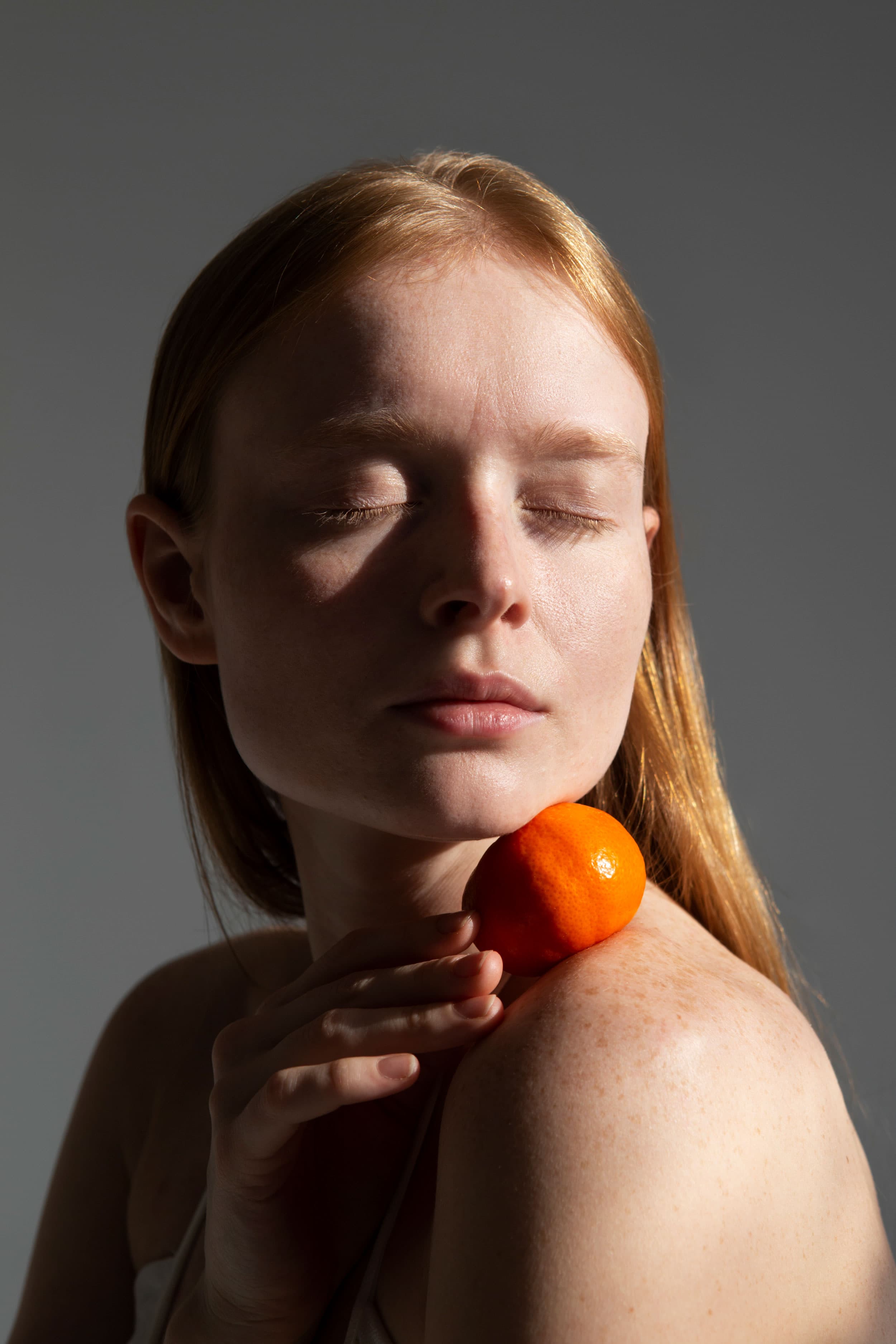
Why Frequency Separation Makes Skin Look Plastic — and How Olune Skin Fixes It
Your pores can survive frequency separation while the portrait still looks fake. Learn the four causes and the Olune Skin workflow that avoids them.
Read articleOlune Field Notes

Practical notes on texture, tone, frequency separation, and the decisions that make a portrait feel human.
Start here

Your pores can survive frequency separation while the portrait still looks fake. Learn the four causes and the Olune Skin workflow that avoids them.
Read article
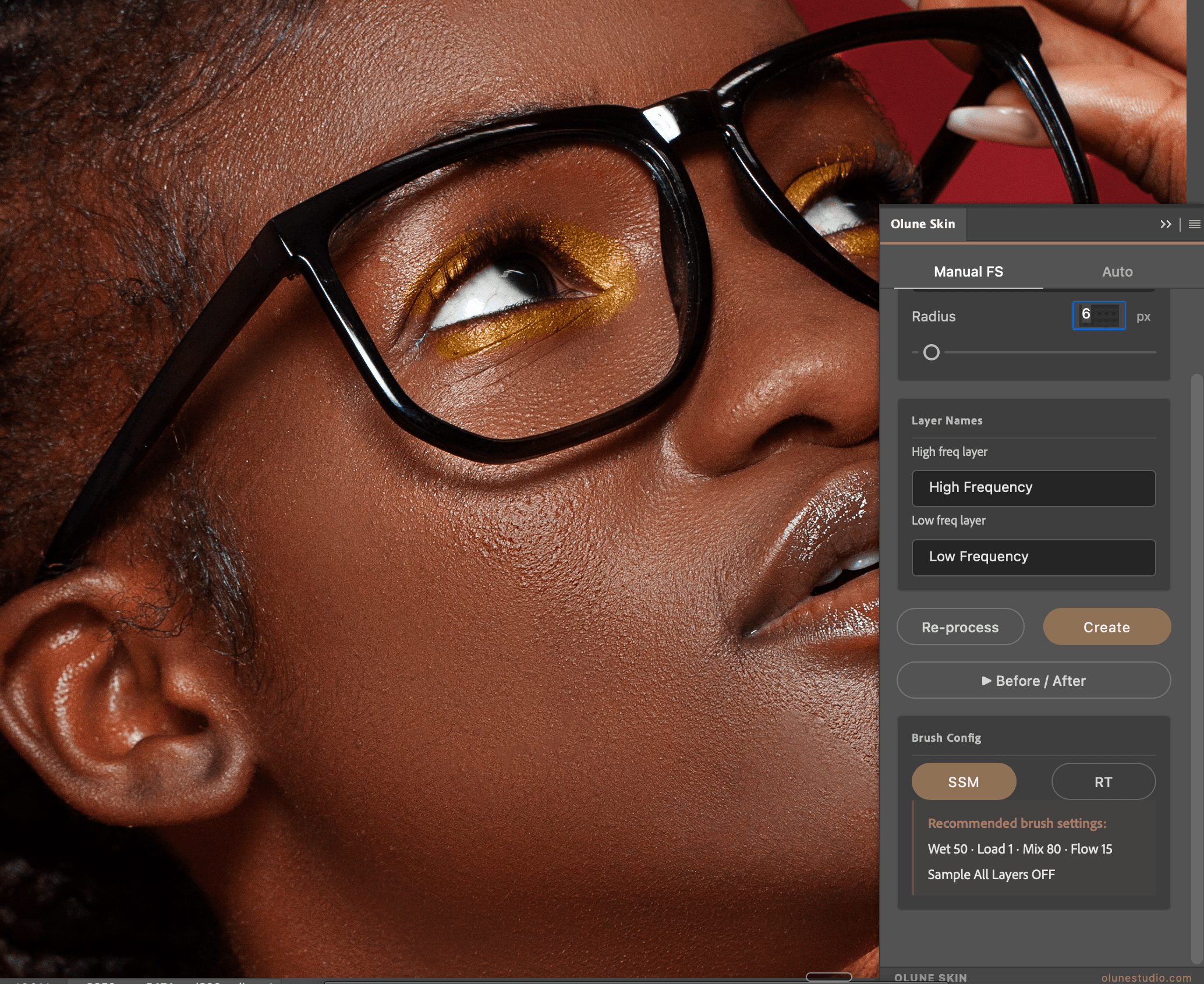
A fast, natural skin-retouching workflow using Olune Skin to clean distractions, preserve pores, and protect the original light in Photoshop.
Read article
Stop guessing which frequency to edit. Use this Olune Skin cheat sheet to place pores, redness, wrinkles, and tonal transitions on the right layer.
Read article
Choose the right skin-retouching technique for the job, then see how Olune Skin removes the slow setup without replacing dodge and burn or your judgment.
Read article
Olune Skin
Build frequency-separation layers, detect skin, and load the right brushes without turning the portrait into a preset.
Explore Olune Skin